
Remove Backgrounds Instantly
Upload any image and get a clean, transparent result in seconds. Pixel-perfect AI edge detection for hair, fur, and complex subjects.
Upload your image
JPG, PNG, or WebP
Or try an example:
Upload an image to get started
Your result will appear here
Works with Any Subject
From portraits to products — see the AI handle every type of image.



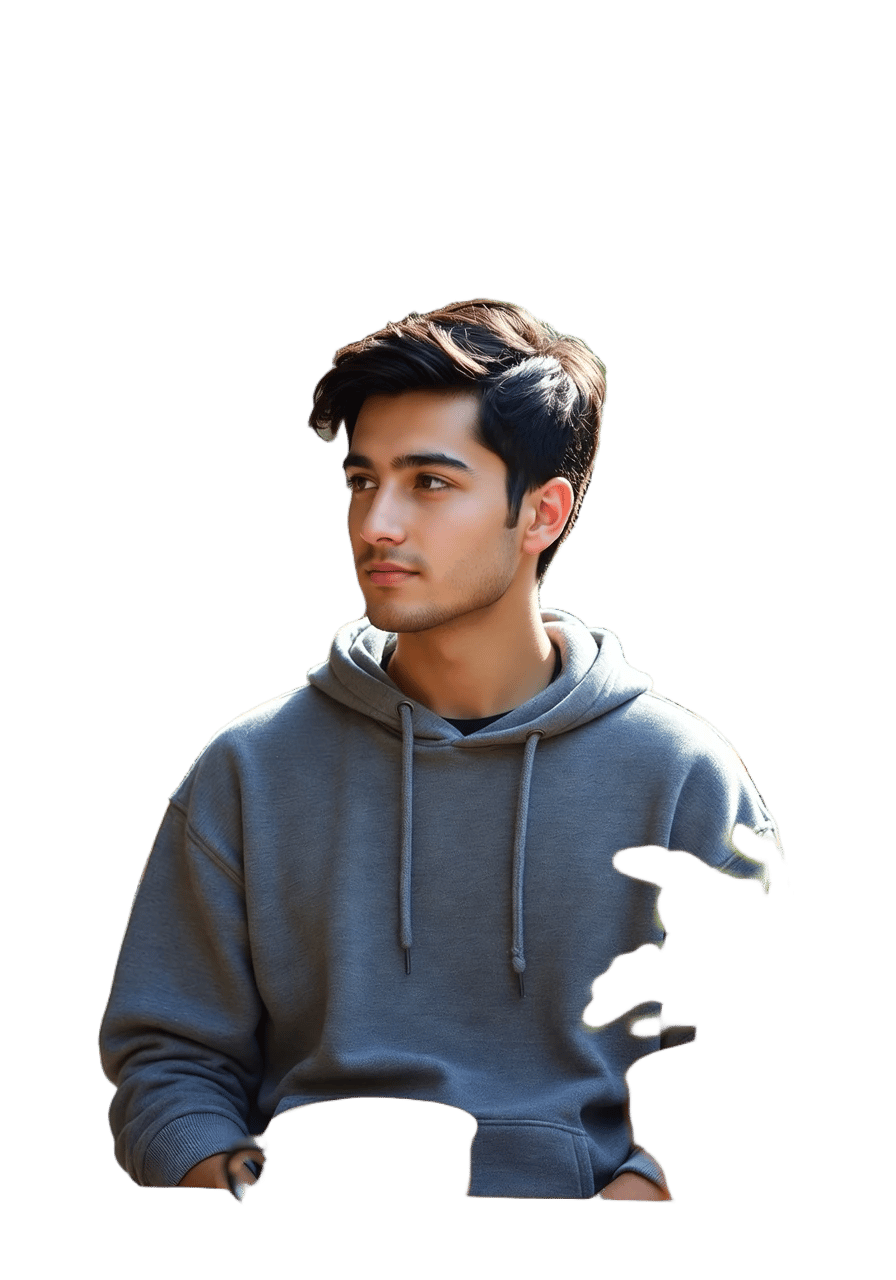
How to remove backgrounds with AI
Background Removal in 3 Easy Steps
Upload Your Image
Upload any photo — portraits, products, animals, or objects. Supports JPG, PNG, and WebP.
AI Removes Background
Our BiRefNet AI analyzes the image, detecting edges with pixel-perfect precision even around hair and fur.
Download Result
Get a transparent PNG ready for e-commerce, design, social media, or any creative project.
Why use AI background removal?
Traditional background removal tools require tedious manual selection. AI-powered removal handles everything automatically — even complex edges around hair, fur, and transparent objects.
Perfect for e-commerce product photos, social media content, design compositions, and professional headshots. Get magazine-quality cutouts in seconds.
Try AI UpscalerPixel-perfect edges
BiRefNet uses dual pathways for global context and local detail, delivering precise cuts even on hair and fur.
Transparent PNG
Download high-quality transparent PNG files ready for any use — design, print, or web.
Three AI modes
Choose Fast for speed, Accurate for complex scenes, or Portrait for people photos. Each mode is optimized for its use case.
Perfect for
More AI Photo Tools
AI Upscaler
Enhance image quality and resolution with AI. Upscale your background-removed images for print.
Face Swap
Swap faces in any photo with AI. Create fun content and professional headshots.
AI Image Generator
Create entirely new images from text descriptions with multiple AI models.
Image Editor
Edit images with AI-powered tools. Inpaint, erase objects, and transform your photos.
Frequently Asked Questions
Everything you need to know about AI background removal