
Create an AI Influencer with a Consistent Identity
To create an AI influencer, define a persona, train a LoRA character from 10 to 30 reference images, generate consistent photos with models like Flux and Nano Banana Pro, then add short videos with Kling or Wan. Fizzly handles that whole workflow in one place, starting with 5 free credits.
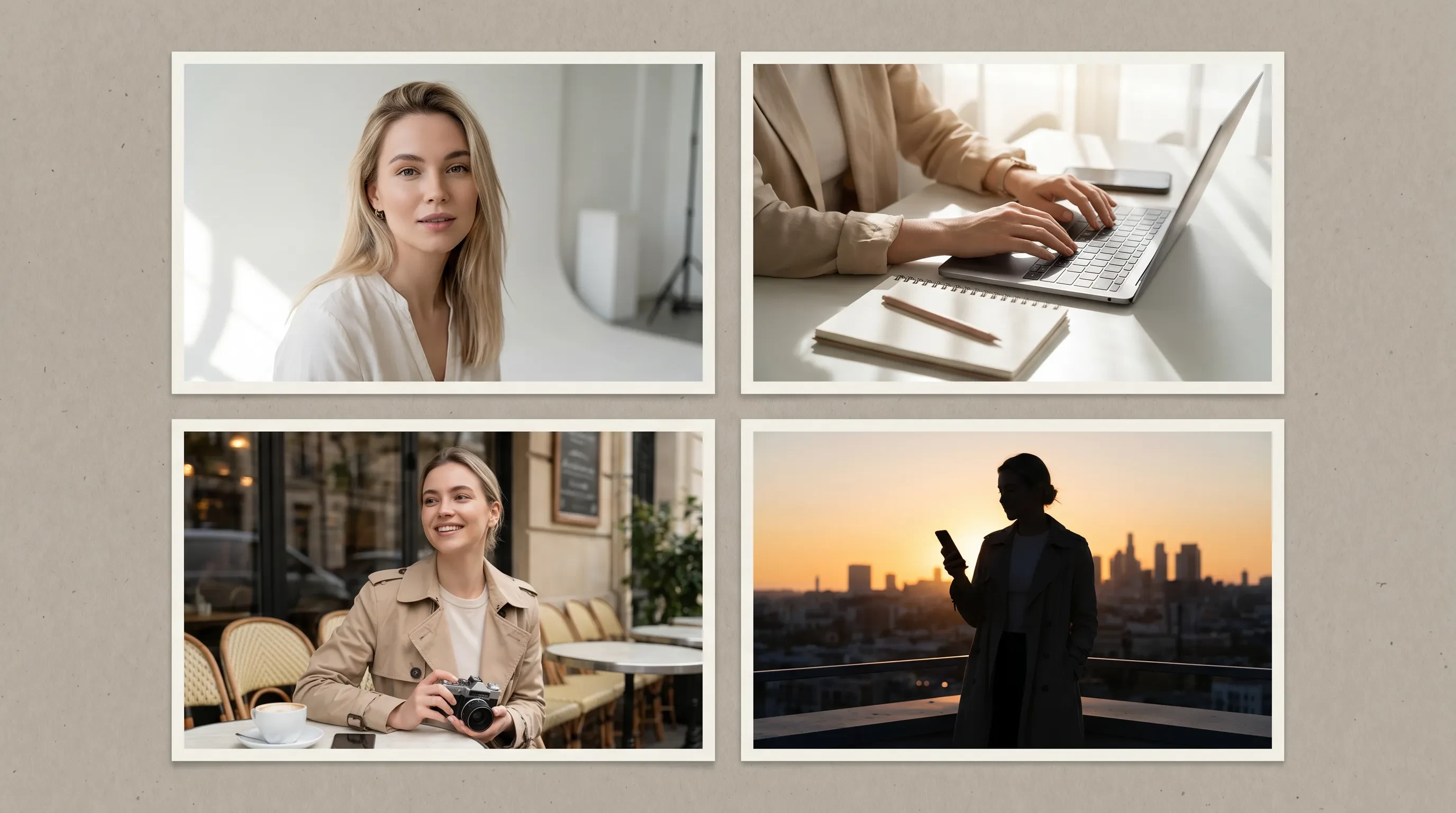
How to create an AI influencer in 5 steps
1.Define the persona before touching a generator
Decide the niche, age range, style, and feed direction first. A travel creator, a fitness coach, and a fashion persona need different reference images, different scenes, and different captions. Write down who follows this account and why, because every generation decision flows from that answer. The AI influencers guide breaks down how successful virtual creators pick a lane.
2.Create or collect reference images
A LoRA character needs 10 to 50 images of the same face, with 20 to 30 being the sweet spot. Either generate a reference set in the image generator with a detailed character prompt, or upload photos you have the rights to use. Sharp, well-lit images where the subject is clearly the focus train far better than filtered or blurry ones. The LoRA training guide covers exactly what makes a good training set.
3.Train the LoRA character
Upload the reference set at /characters/create and start training. The LoRA learns the identity from your images, which is what locks the face in place. After training, the character becomes a saved asset you can reuse in every future generation instead of re-describing the persona in each prompt and hoping for a match.
4.Generate consistent photo sets
Use the trained character with Flux, Nano Banana Pro, or Seedream 4.5 to create cafe shots, travel photos, outfit posts, and fitness scenes around the same identity. For themed sets like headshots or lifestyle collections, photo packs generate a batch of styled photos from the character in one run.
5.Add video, package the posts, and publish
Animate your strongest stills in the video generator with Kling 2.6 Pro, Wan 2.6, or Seedance 1.5 Pro for Reels and TikTok. Use the free video trimmer and image compressor to fit each platform, label AI content where the platform requires it, then post and watch which directions earn follows.
What you need before you start
You do not need a camera, a model, or design software. You need a clear persona idea, 10 to 30 reference images of one consistent face, and a Fizzly account. Every account starts with 5 free credits each month and includes a character slot, so you can test image quality on your concept before paying. When you are ready for steady output, the pricing page shows what each model costs per generation.
Why create your AI influencer in one platform
The common failure mode is stitching together separate tools: one app to make a face, another to generate scenes, a third for video. Every handoff degrades the identity, and the persona drifts until followers notice. On Fizzly the same trained character flows through every image model, every video model, and every photo pack, so consistency is the default rather than a manual chore.
It also keeps the boring work in the same tab. Free tools like the video to GIF converter and image converter handle packaging without another subscription. If you want the tool-focused overview instead of the walkthrough, see the AI influencer generator page, or start without spending anything via the free AI influencer generator.
5 free credits to get started — no credit card required
How it works
Define the persona
Pick the niche, audience, style, and visual direction for the AI influencer before generating anything.
Train a LoRA character
Upload 10 to 30 reference images and train a character so the influencer keeps the same face across every post.
Generate photo sets
Create cafe shots, travel posts, fitness scenes, and outfit content with Flux, Nano Banana Pro, or Seedream around the same persona.
Add video and publish
Animate stills with Kling, Wan, or Seedance, package the posts with the free tools, and start publishing.
Why choose Fizzly AI Influencer Photos
A workflow, not just a prompt
Creating an AI influencer takes continuity. Fizzly connects character training with repeatable photo and video generation, so the persona survives past the first post.
Built for visual social platforms
The outputs are designed around Instagram, TikTok, creator-brand pages, campaign mockups, and social content calendars.
Good for concept validation
Quickly test whether a persona, niche, and visual direction are worth turning into a larger creator brand before investing in it.
Reusable across campaigns
Once the influencer exists as a trained character, you can generate new scenes, looks, and brand concepts without starting from scratch.
Perfect for
AI influencer brand launch
Create the first visual identity and content samples for a new virtual creator brand.
Instagram content testing
Generate realistic social posts before committing to a niche, feed style, or posting strategy.
Brand ambassador concepts
Prototype a virtual spokesperson for product, lifestyle, fashion, fitness, or travel campaigns.
Pitch decks and mock campaigns
Create visual examples for a campaign idea without booking talent, locations, or a production team.
FAQ
Learn more
Start creating with AI Influencer Photos today
Join 50,000+ creators using Fizzly to bring their ideas to life. No credit card required.