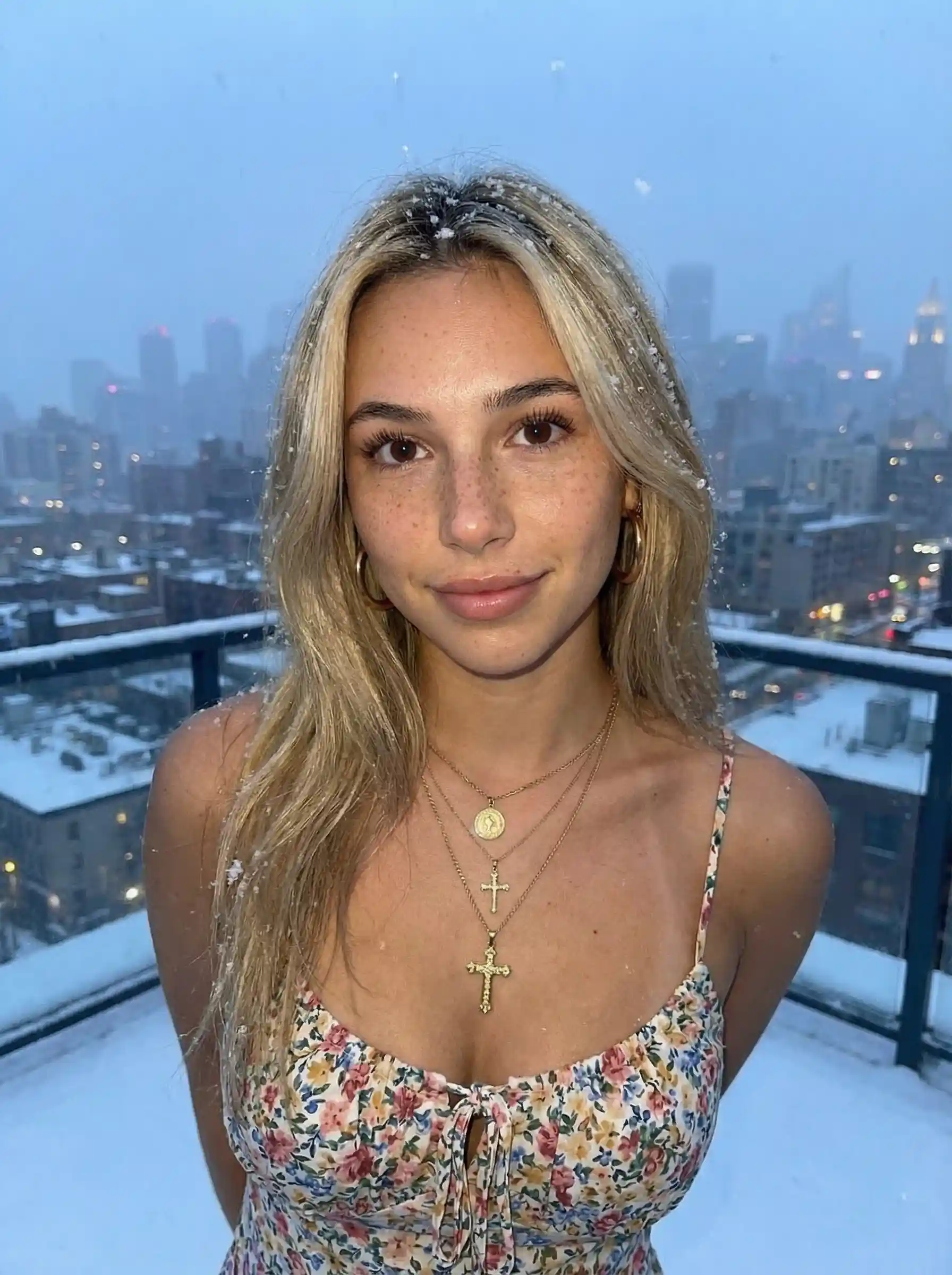
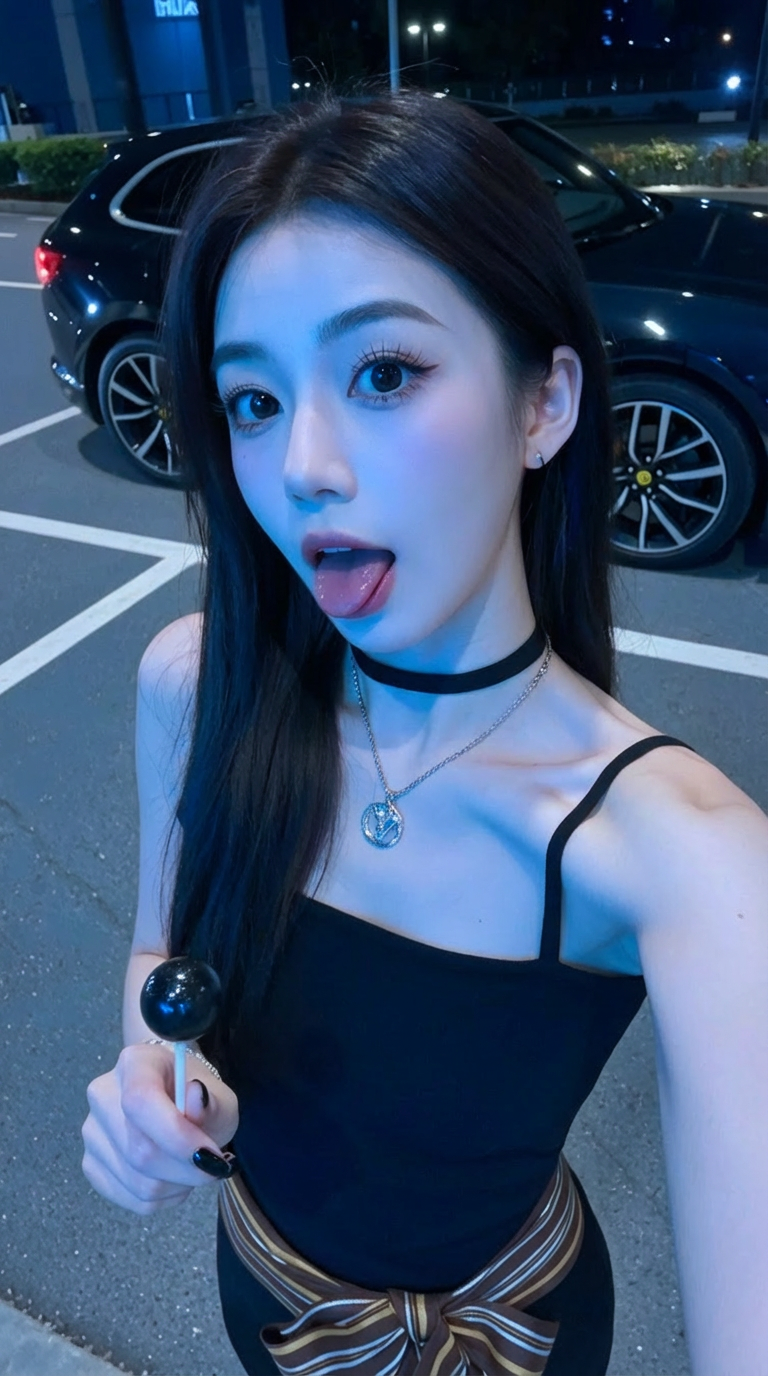
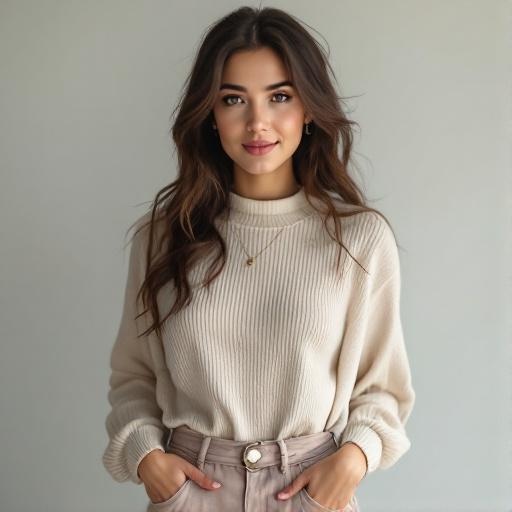
Extend Any Image with AI
Add more to your photos. AI seamlessly extends images beyond their borders — perfect for banners, thumbnails, and social media content.
AI Image Tool
Expand Image
Extend your images beyond their borders with AI outpainting. Add more background, scenery, or context to any photo.
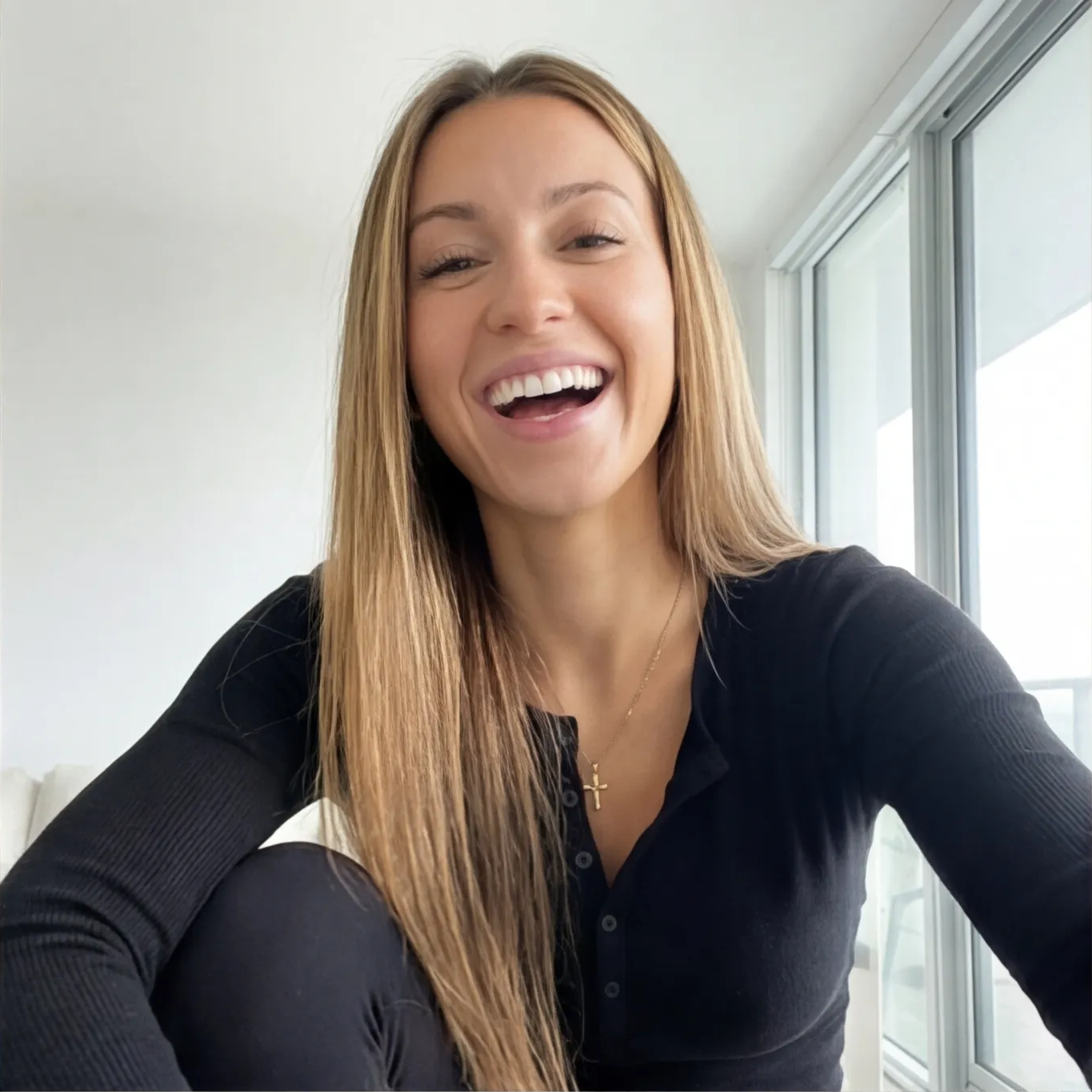
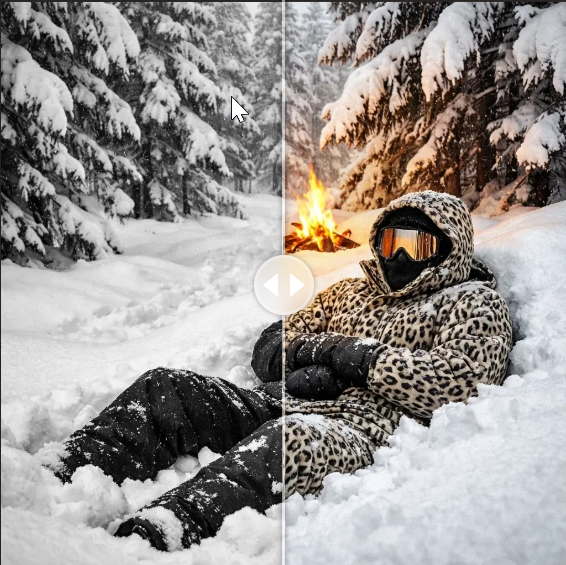
Example before/after shown above
How it works
Expand Any Image in 3 Steps
Upload Your Image
Upload any photo or select from your library. Works with portraits, landscapes, products, and more.
Choose Output Size
Select your desired aspect ratio and resolution (1K, 2K, or 4K). Go wider for cinematic shots or taller for social stories.
AI Expands Your Image
Our AI analyzes the scene and seamlessly generates content beyond the original borders.
Why use Expand Image?
Transform any image into the perfect size for your needs. Whether you need a wider banner, a taller story, or just more breathing room around your subject, Expand Image creates seamless extensions that look natural.
Also try ShotsSeamless blending
AI matches lighting, colors, and textures for invisible transitions.
Flexible resolution
Choose 1K, 2K, or 4K output for any platform or use case.
Multiple aspect ratios
Expand to 16:9, 9:16, 21:9, and more. Perfect for any social platform or print format.
Perfect for
Frequently Asked Questions
Everything about Expand Image
Related AI Tools
More ways to transform your images