
Image-to-Video with Motion Reference
AI Motion Control
Turn a static image into a realistic motion video using a reference video. Powered by Kling 2.6.
See it in action
Motion Reference
Result
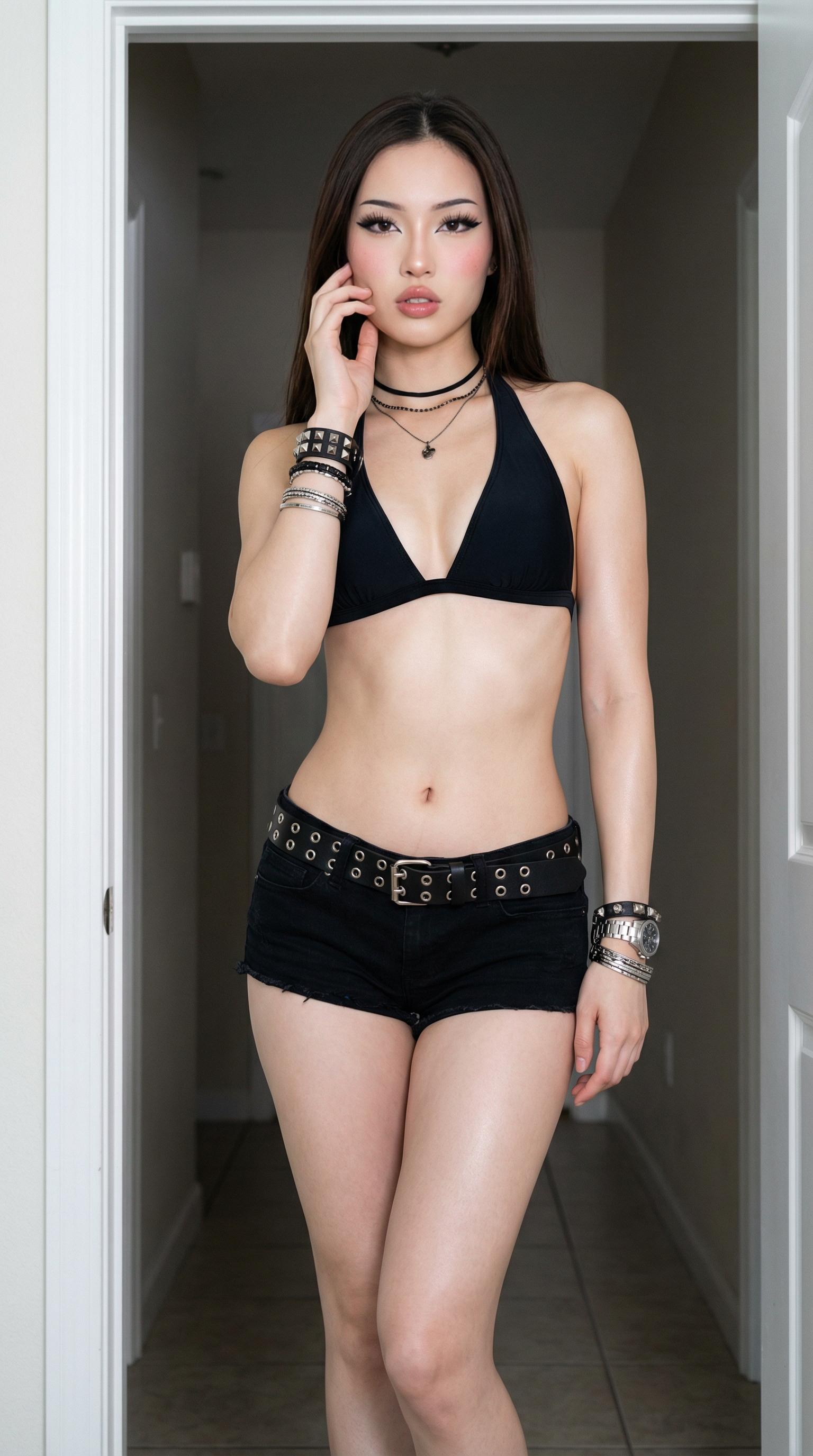
Source Image
Motion Reference
Choose where the background should come from: the character image or the motion video
8 credits • 5.0s • 720p
Result
Your result will appear here
5 free credits to get started — no credit card required
How it works
Upload Image & Motion Video
Select a clear image of the subject and a video showing the action to replicate.
Enter Motion Prompt
Type a short prompt to guide the motion style, direction, and timing.
Generate & Download
AI creates a smooth video with realistic motion, ready to download.
Why choose Fizzly Motion Control
Frame-Level Motion Accuracy
Transfers real human motion from video to image preserving body proportions, limb direction, and movement timing.
Prompt-Guided Control
Use text prompts to guide movement paths and gestures for precise control without keyframes or rigs.
Reusable Across Characters
Apply the same motion reference to different images, enabling scalable video creation for campaigns and content.
720p & 1080p Output
Choose between standard 720p for fast results or pro 1080p for higher quality output.
Perfect for
FAQ
Learn more
Start creating with Motion Control today
Join 50,000+ creators using Fizzly to bring their ideas to life. No credit card required.